WordPress Speed Optimization: Plugin vs Custom Code (Which Is Faster?)
WordPress speed is a bit like baking. You can buy a ready mix plugin that promises instant results, or you can bake from scratch with custom code. Both can work. Both can fail. And most websites waste time because they pick the wrong approach for their situation.
This guide is a practical bake off. We will compare plugin based optimization vs custom code optimization, what each one does best, and how to decide without guessing. You will also get a step by step plan you can follow, plus a checklist, common mistakes, and an FAQ section.
Goal: faster load times, better Core Web Vitals, better SEO, and a smoother experience for real users.
First, what WordPress speed actually means
Speed is not only about a fast homepage. It is about how your site feels across pages, devices, and network conditions.
Google and users care about real experience. If your page looks stuck, jumps around, or reacts slowly, people leave.
The metrics that matter in 2026
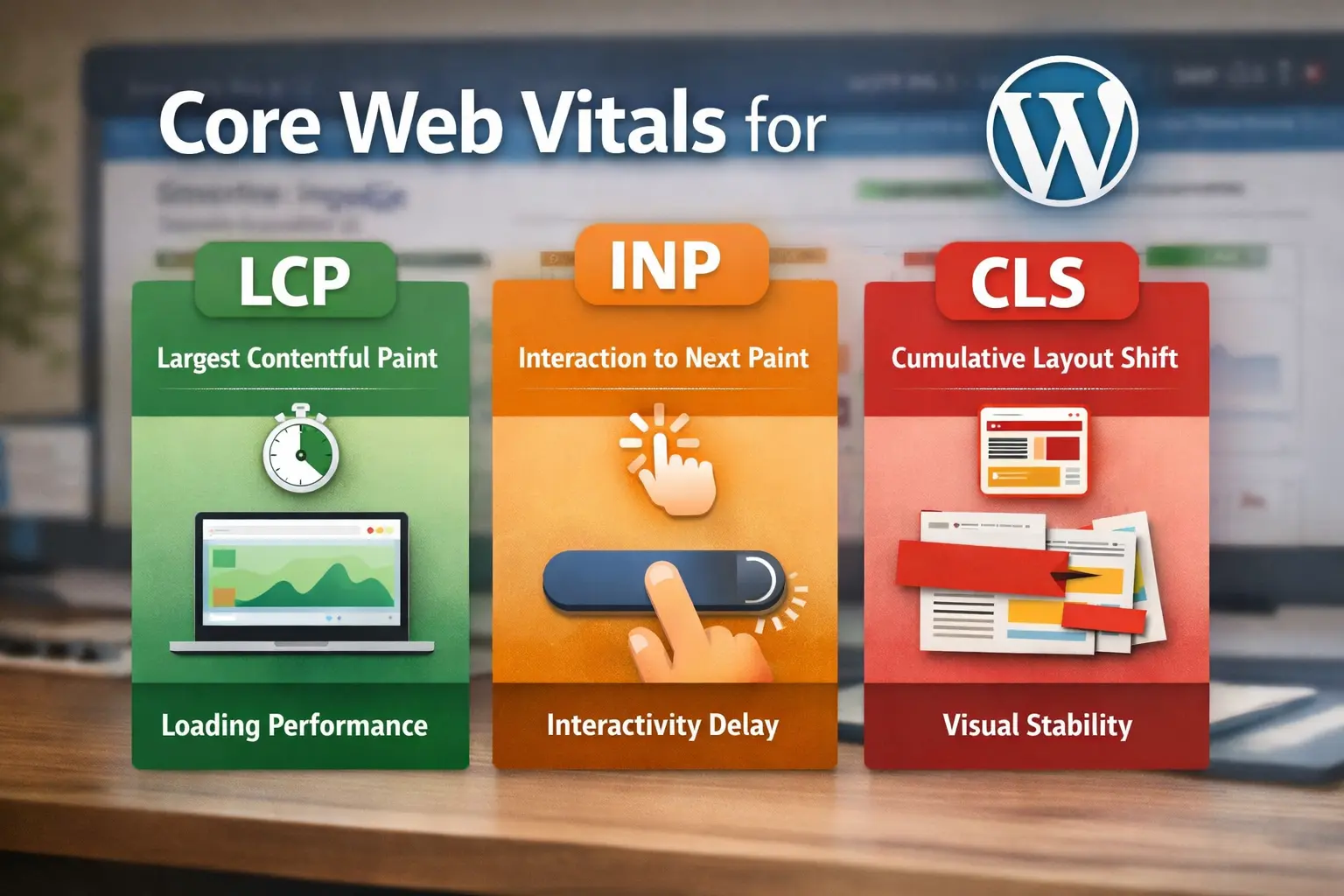
- LCP: how fast the main content appears
- INP: how quickly the page responds to clicks and taps
- CLS: how stable the layout is while loading
- TTFB: how fast your server sends the first byte
Why WordPress sites get slow (the real reasons)
Most slow WordPress sites are not slow because WordPress is bad. They are slow because of decisions made over time.
Here are the biggest causes, in plain language.
- Heavy theme with too much code for simple pages
- Many plugins doing overlapping work
- Unoptimized images and sliders
- No caching or wrong caching
- Slow hosting or overloaded server
- Too many third party scripts like chat, tracking, ads
- Database clutter and slow queries
The bake off setup: how we compare fairly
Before you compare plugin vs custom code, you need a fair method. Otherwise you will optimize randomly.
This is the simple bake off setup you can use on any site.
Step 1: Take a baseline snapshot
- Run Lighthouse in Chrome (mobile and desktop)
- Run PageSpeed Insights for real field data if available
- Use WebPageTest once to see waterfall and heavy files
- Check Core Web Vitals in Search Console
Step 2: Freeze changes during testing
Do not change theme, plugins, and hosting all at once. Change one variable, test, then move forward.
Step 3: Use the same pages
Test the homepage, a blog post, and a heavy page like a product or landing page. Speed issues can hide on inner pages.
Plugin optimization: what it does well
Plugins are like ready mixes. You install, configure, and you often get a quick improvement.
For most non technical site owners, this is the fastest path to “good enough” speed.
Where plugins shine
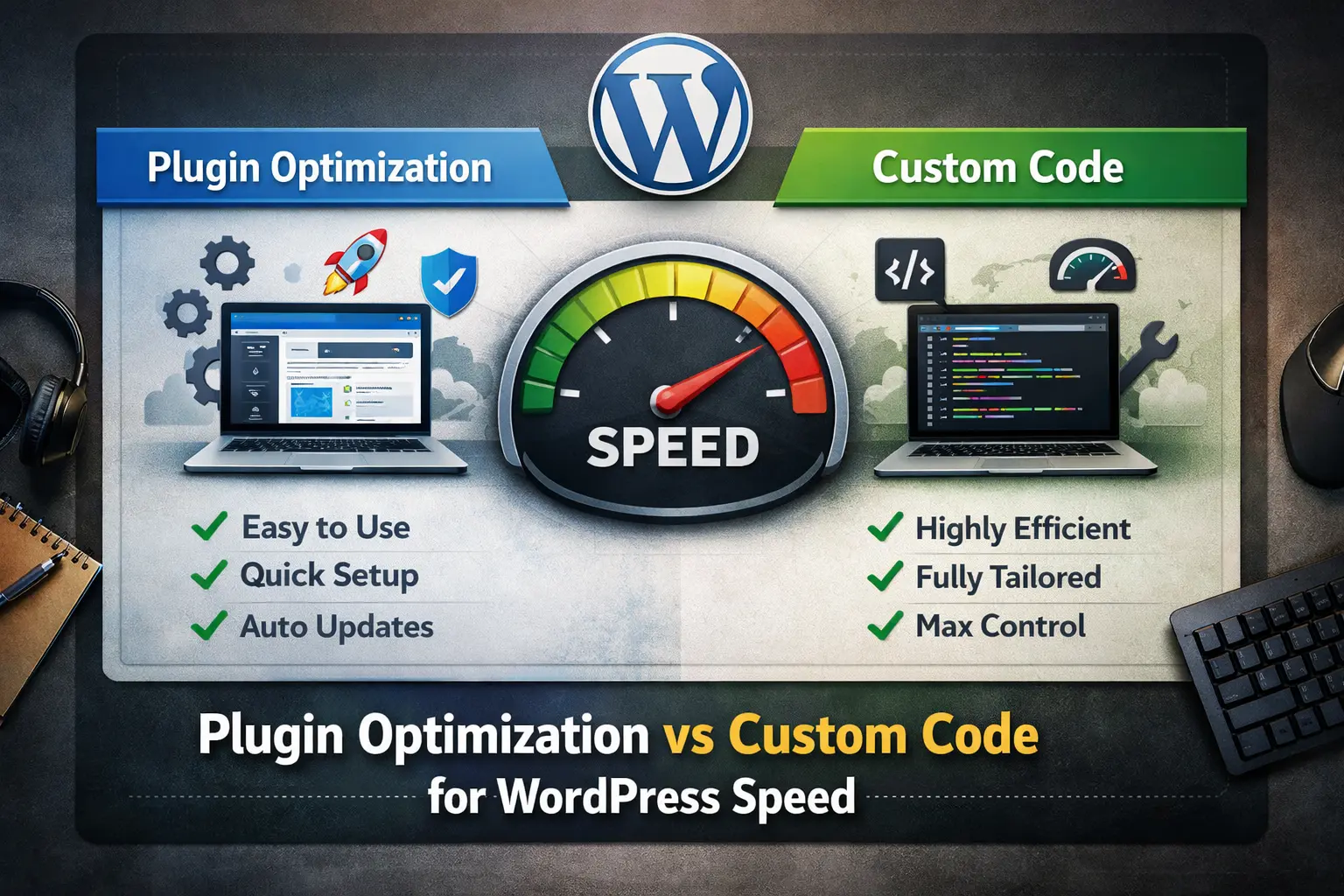
- Caching: page cache, browser cache, object cache
- Minification: shrinking CSS and JS
- Defer and delay: loading scripts later
- CDN integration: serving assets from closer locations
- Image lazy loading: below the fold images load later
- Database cleanup: revisions, transients, old tables
Plugin approach is perfect when
- You want speed improvements quickly with limited budget
- The site is small to medium and uses standard themes
- You need non developer friendly controls and dashboards
- You can accept a little extra code for convenience
Plugin optimization: where it goes wrong
Plugins can also create problems, especially when people install too many or use default settings without testing.
Here are the common failure points.
- Two caching plugins fighting each other
- Minify breaks layout or blocks critical CSS
- Delay JS breaks forms, sliders, or checkout
- Plugins add extra scripts on every page
- Too many features enabled that the site does not need
The hidden cost of plugins
Even good plugins can add overhead. Extra admin load, extra hooks, extra database calls.
That overhead is often small. But on a busy site, small becomes noticeable.
Custom code optimization: what it does well
Custom code is like baking from scratch. You write only what you need.
This can create the fastest, cleanest result, especially for advanced sites.
Where custom code shines
- Removing unused assets from specific pages
- Loading scripts only where needed
- Writing lightweight alternatives to heavy features
- Optimizing theme templates and loops
- Reducing database queries with smart caching
- Implementing critical CSS properly
Custom code is perfect when
- You have a developer or technical team
- You want the leanest possible front end
- You have custom features that plugins cannot handle well
- You want full control over performance trade offs
Custom code optimization: where it goes wrong
Custom code is powerful, but it can backfire if it is rushed or undocumented.
A fast site is useless if it breaks later or becomes impossible to maintain.
- Hard to maintain if code is not clean
- Risk of breaking after theme or WordPress updates
- Requires testing and debugging skills
- Can take longer than a plugin for small wins
The decision framework: plugin vs custom code
Here is a simple decision path. Answer honestly and pick the approach that matches your reality.
Choose plugin first if
- You want a quick win in days, not weeks
- You do not have a developer on standby
- Your theme and layout are mostly standard
- You want a safe, reversible setup
Choose custom code first if
- You already have a developer maintaining the site
- You have custom features that load heavy scripts
- You need maximum speed for competitive SEO
- You want asset level control per page
The best option for most sites
Most sites should start with a strong plugin setup, then add small custom tweaks only where needed.
This hybrid approach is usually the best balance of speed, safety, and time.
The step by step speed recipe (works for both approaches)
This is the practical workflow. If you follow it in order, you avoid random changes and you see real progress.
Step 1: Fix hosting and server basics first
If the server is slow, no plugin will fully save you. Check PHP version, memory, and CPU limits.
Enable server level caching if your host provides it.
Step 2: Cache the right way
Use page caching for most sites. Add object caching if your site is dynamic or has many database calls.
Test logged in vs logged out behavior.
Step 3: Remove weight before you compress weight
Uninstall plugins you do not use. Replace heavy features with lighter alternatives.
One clean theme usually beats a theme that needs 20 helper plugins.
Step 4: Optimize images (this is the fastest win)
On WordPress, images are often the biggest files on the page. This impacts LCP directly.
Before you upload images, compress and resize them.
Step 5: Control scripts and third party tools
Chat widgets, analytics, heatmaps, and ads can slow a site even if everything else is optimized.
Keep only what you truly need, and delay what can load later.
Step 6: Reduce unused CSS and JS
Plugins can help with this. Custom code can do it even better.
Either way, the goal is the same: stop loading files that a page does not need.
Step 7: Database cleanup and query health
Database cleanup matters more on older sites. Remove post revisions, old transients, and unused plugin tables.
If your site is large, use a staging copy for cleanup to avoid risk.
Step 8: Retest and lock in your wins
Retest your baseline pages. Compare load time, CWV metrics, and waterfall size.
When you find a change that helps, document it. That prevents future regression.
Mini bake off results: what usually improves the most
On real WordPress sites, these are the improvements that usually give the biggest gains.
- Compressing and resizing images
- Page caching plus browser caching
- Removing heavy plugins and unused features
- Delaying third party scripts
- Fixing a slow server or upgrading hosting
Common mistakes that waste weeks
These mistakes are why many site owners feel stuck with speed.
- Installing multiple optimization plugins together
- Minifying everything without testing forms and checkout
- Ignoring images and blaming WordPress
- Optimizing only the homepage and ignoring inner pages
- Keeping a heavy theme because it looks nice in the demo
- Adding more tracking scripts every month
FAQs: WordPress Speed Bake Off
1) Are speed plugins enough to get good Core Web Vitals?
For many sites, yes. A good caching setup plus image optimization can improve CWV noticeably. If you still fail LCP or INP after that, you may need theme and script level work.
2) Is custom code always faster than plugins?
Not always. Custom code can be faster when it replaces heavy features and loads assets only where needed. But poorly written custom code can be slower than a well built plugin.
3) What is the biggest speed win for most WordPress sites?
Image optimization is usually the biggest win. Large images often control LCP. Compressing and resizing images before upload improves speed without complex changes.
4) Should I compress images before uploading to WordPress?
Yes. It keeps your media library clean and your pages fast from day one. You can compress images using MyImageCompressor in seconds.
5) How do I optimize many images at once?
Use a bulk workflow. For example, compress a folder of images using the Bulk Image Compressor, then upload the optimized versions.
6) Do I need a CDN for WordPress speed?
A CDN helps if your visitors are spread across multiple regions, or if your site has lots of images and static assets. It is useful, but it is not the first step for most small sites.
7) Why does my site feel slow even if speed scores look fine?
Sometimes scripts load late, layout shifts happen, or heavy elements block the first view. Users feel delays more than they measure them. Check waterfall and real device testing.
8) Can too many plugins slow down WordPress?
Yes, especially if multiple plugins do similar jobs or load scripts globally. Fewer, well chosen plugins is usually better than stacking many small ones.
9) Should I switch themes for speed?
If your theme is heavy and you cannot reduce assets, switching can help a lot. A lighter theme with clean templates often improves speed more than small tweaks.
10) What is the safest optimization path for beginners?
Start with good hosting, add one reliable caching solution, and optimize images. Do not do aggressive minify and delay settings until you test everything carefully.
Conclusion: the winner is the right recipe for your site
Plugins are great for fast wins and simple control. Custom code is great for precision and long term leanness.
Most sites win with a hybrid approach. Start with smart plugin optimization, then add custom improvements only where the plugin approach cannot reach.
If you do one thing today, optimize images. It improves speed, SEO, and user experience without breaking functionality.