Live Audit: Fixing a Real Website’s Core Web Vitals Bloopers
Many website owners think Core Web Vitals are a “technical problem” that only developers can fix. In reality, most issues are simple mistakes repeated across thousands of websites.
In this live audit, we walk through a real website that had fast hosting, good content, and decent backlinks but still failed Core Web Vitals. The reason was not the server. It was how images, layout, and loading behavior were handled.
This article breaks down the exact bloopers, shows how they affect LCP, CLS, and INP, and explains how to fix them step by step. If your site feels slow even on good hosting, you will recognize these problems instantly.
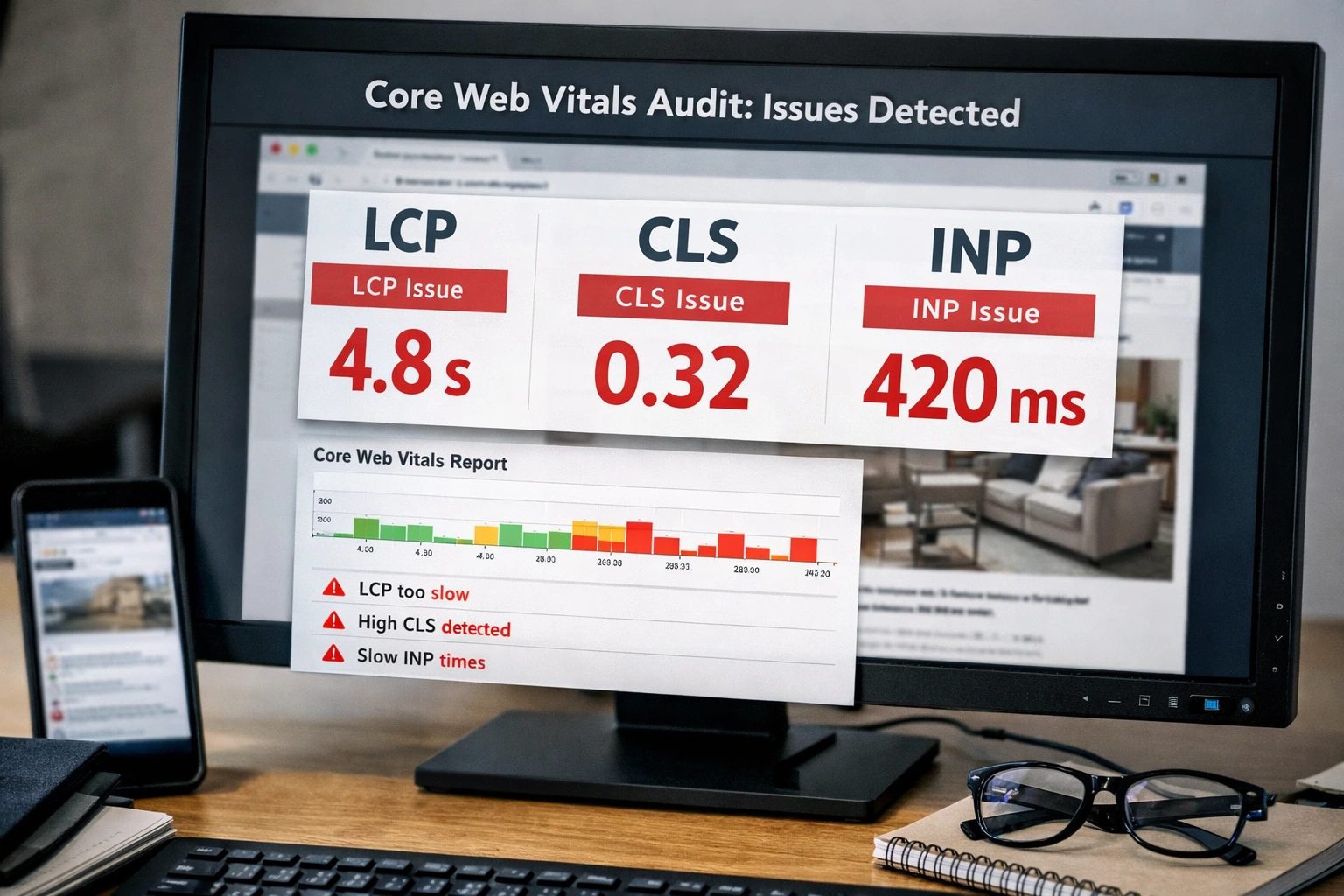
The website we audited (quick overview)
The site we audited was a content-heavy blog with tools and landing pages. Hosting was fast. CDN was enabled. Still, Google PageSpeed Insights showed poor results.
- LCP consistently above 4 seconds
- CLS spikes on mobile
- Slow interaction on image-heavy pages
This is a common pattern. Let’s break down why it happened.
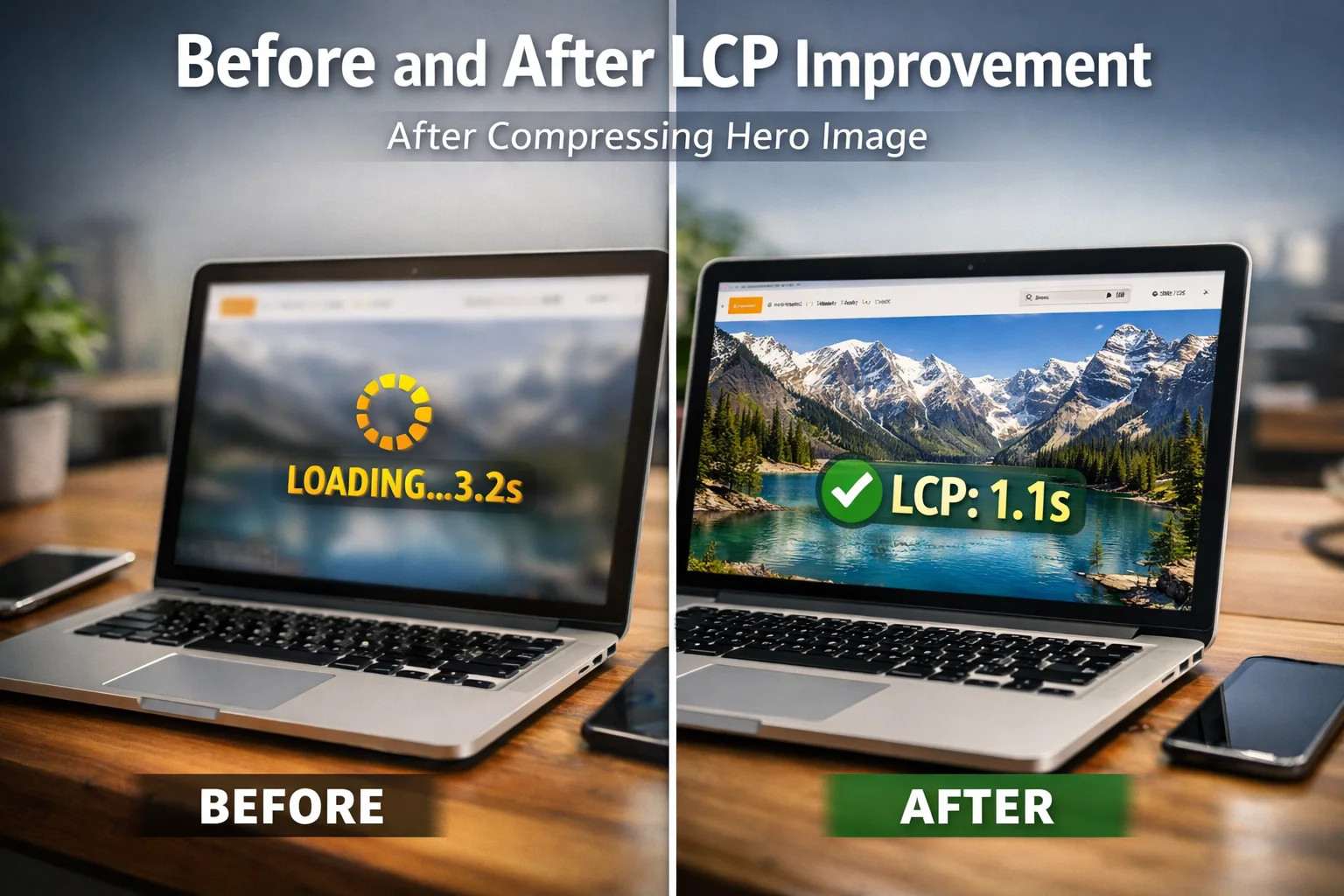
Blooper #1: The hero image was killing LCP
The largest content element on most pages was a hero image. It looked fine visually but was nearly 1.8 MB in size.
Because it loaded late, Largest Contentful Paint crossed Google’s recommended threshold.
How we fixed it
- Resized the image to actual display width
- Converted it to WebP
- Compressed it to under 200 KB
We used MyImageCompressor to compress the image without visible quality loss.
Blooper #2: Layout shifts caused by images without dimensions
Several images inside blog content had no width or height defined. On mobile, content jumped while images loaded.
This caused Cumulative Layout Shift issues, especially on slower connections.
The fix
- Defined width and height for all content images
- Used consistent aspect ratios
- Lazy-loaded below-the-fold images
After this, CLS dropped close to zero.
Blooper #3: Heavy images blocked interaction
On some pages, multiple large images loaded at once. This blocked the main thread and delayed interactions.
Users clicked buttons, but the page responded slowly.
What we changed
- Compressed all inline images aggressively
- Moved non-critical images below the fold
- Reduced image size to exact requirements
For strict upload requirements, we used:
Results after fixing the bloopers
- LCP improved from 4.3s to 1.9s
- CLS dropped from 0.21 to 0.02
- INP became consistently fast
- Bounce rate decreased noticeably
Most importantly, the site felt faster to users. That perception matters.
Common Core Web Vitals mistakes we see everywhere
- Uploading images straight from design tools
- Ignoring mobile image sizes
- Using PNG for large photos
- Loading all images at once
- Skipping compression completely
FAQs: Core Web Vitals Live Audit
1) Can fast hosting alone fix Core Web Vitals?
No. Hosting helps, but images, layout, and loading behavior matter more.
2) Which image affects LCP the most?
Usually the hero image or largest image above the fold.
3) Is WebP necessary?
Not required, but highly recommended for better compression.
4) Does lazy loading hurt SEO?
No, if used correctly for below-the-fold images.
5) How small should blog images be?
Usually between 80 KB and 200 KB works well.
6) Can I fix CLS without redesign?
Yes. Defining image dimensions fixes most CLS issues.
7) What tool can I use without software?
You can use MyImageCompressor directly in your browser.
8) Do these fixes help rankings?
They improve user experience signals, which support SEO growth.
Conclusion
This live audit proves one thing clearly. Most Core Web Vitals problems come from images and layout decisions, not hosting.
If you resize images correctly, compress them before upload, and control how they load, you can fix most issues quickly.
Compress your images using MyImageCompressor. For multiple files, use the Bulk Image Compressor and keep your Core Web Vitals green.